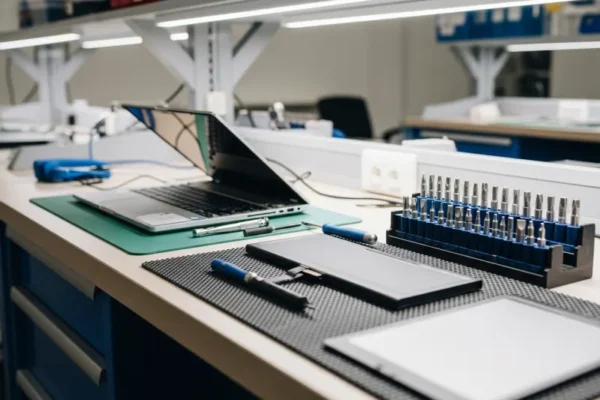
Before Bringing a Laptop or PC for Repair: Data and Privacy Checklist
Prepare a PC or laptop for repair: note symptoms, make a backup where safe, agree access and avoid sending passwords or recovery keys in…
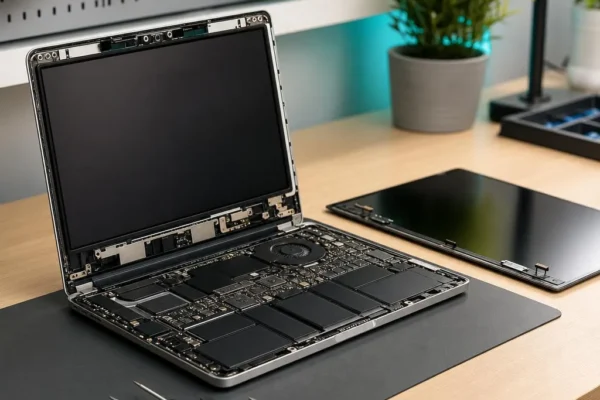
Broken Laptop Hinge or Cracked Case: Is It Safe to Keep Using?
Find out what to do when a laptop hinge, lid or casing cracks and why the screen cable and mounting points need individual diagnosis.
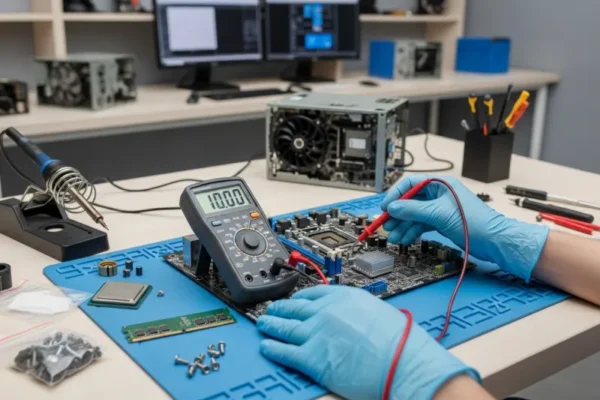
PC Says “Boot Device Not Found”: Drive, Windows or Connection?
Understand safe checks for a desktop PC reporting no boot device, including SSD faults, boot settings, cable issues and data-preservation decisions.
Laptop Overheating or Fan Always Running? Safe Checks and Repair Options
Laptop hot or fan loud? Try safe checks, recognise shutdown warnings and understand how cooling faults are diagnosed at a repair workshop.
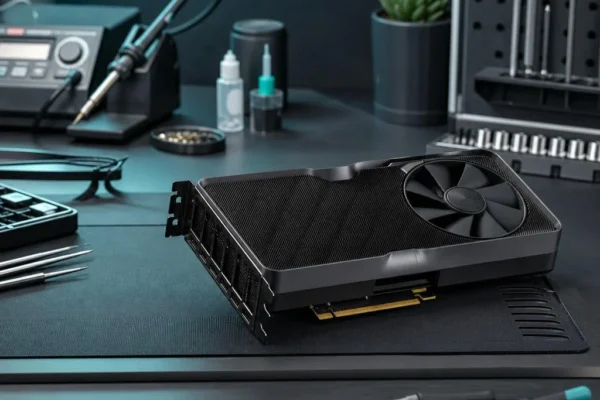
PC Turns On but the Screen Is Black: Safe Checks
Your PC powers on but shows a black screen? Check the monitor input and external connections, record warning signs and know when professional testing…
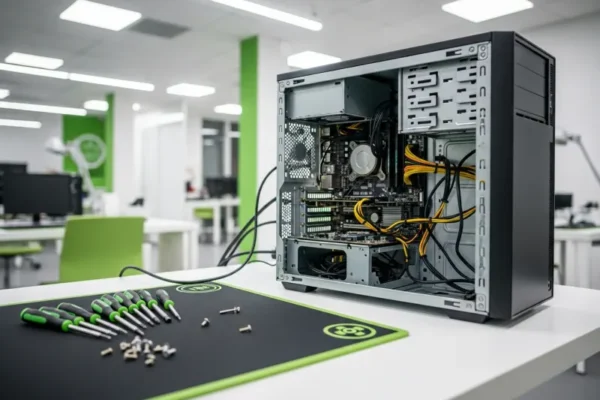
Slow Desktop PC: Repair, Upgrade or Replace?
Decide what to do with a slow desktop PC. Check storage, memory, software and operating-system support before comparing repair, upgrade and replacement.
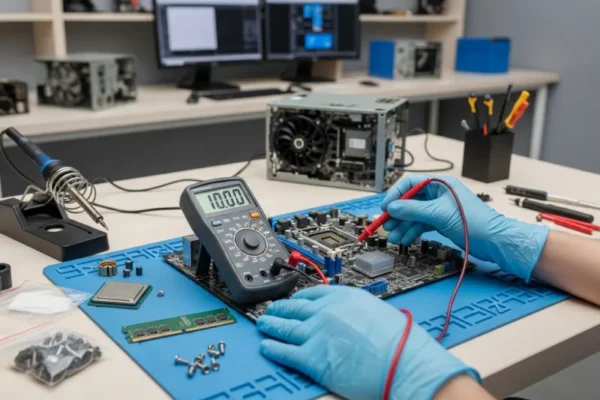
PC Keeps Restarting or Crashing? What to Check Safely
A PC that restarts or crashes may have a software, heat or hardware fault. Record the symptoms, protect your data and know when to…
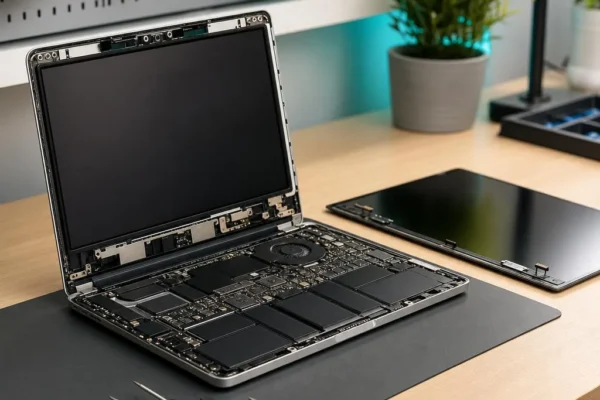
Laptop Screen Fault: Panel, Cable or Graphics Problem?
Cracked, black or flickering laptop screen? Learn how panel, display-cable, backlight and graphics faults differ before replacing the wrong part.
Laptop Not Charging? The Charging Port May Be the Problem
Laptop not charging? A loose or damaged charging port is a common cause. Learn the warning signs, other possible faults and what to do…
My PC Won’t Turn On: What to Check Before You Panic
PC or laptop won't turn on? A Nottingham repair technician's step-by-step checklist — what to try at home, what it usually means, and when…