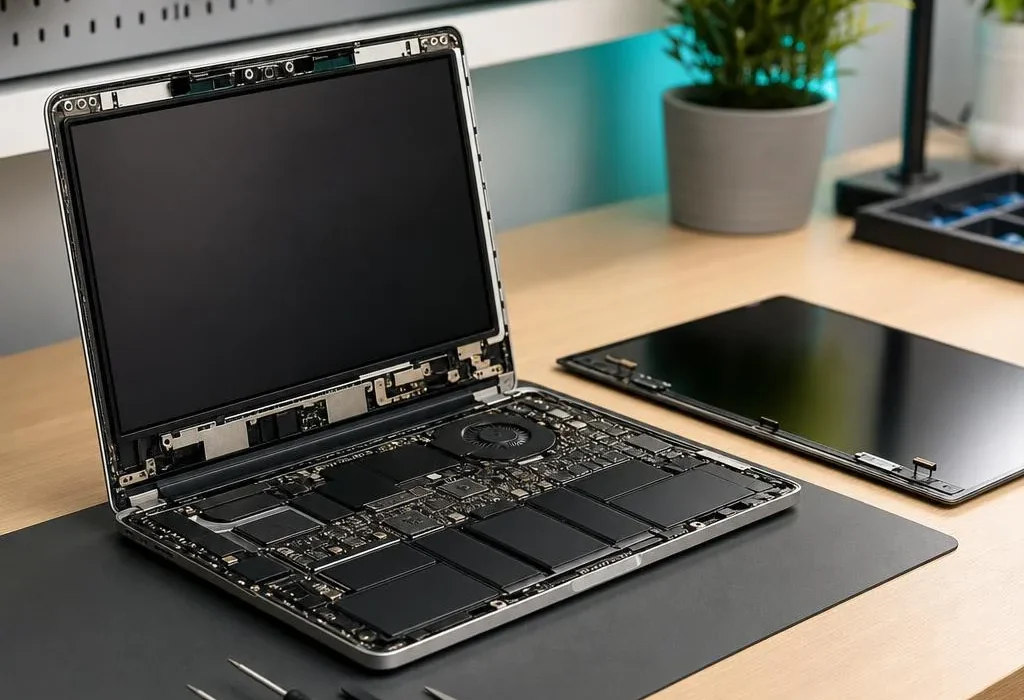
A cracked screen normally needs a replacement panel, but a black, dim, lined or flickering display may have a different cause. The panel, internal display cable, backlight, graphics output and even the laptop’s startup process can create similar symptoms. We completed around four screen replacements in one recent week, showing that this is a regular workshop job.
Signs the display panel itself is damaged
Visible cracks, ink-like black patches, coloured vertical lines from an impact point and sections of the picture that no longer update strongly suggest physical panel damage. Pressure marks can also spread even when the outer glass looks intact. Replacing the LCD or OLED panel is normally the correct repair; the damaged pixels cannot be restored by software.
Signs the internal display cable may be involved
If the picture changes as the lid moves, cuts out at certain angles or shows intermittent lines without visible impact damage, the cable through the hinge area may be loose, worn or trapped. The connector and hinge condition matter too. Replacing a screen without checking a damaged cable can leave the original fault in place.
When a black screen is not a screen fault
A laptop may power on without completing its startup checks. Faulty memory, a motherboard issue or a graphics fault can leave the built-in display black even when the panel is healthy. Connecting a suitable external monitor is a useful clue: an external picture can point towards the internal display path, while no picture anywhere suggests broader diagnosis is needed.
The test is not absolute. Some laptops do not enable the external display immediately, and liquid or impact damage can affect several parts at once. We use the symptom pattern, inspection and model-specific testing together.
What information helps us identify the right replacement
The laptop model printed on the base is a starting point, but manufacturers sometimes fit several panel types to the same model. Size, resolution, connector position, refresh rate, touch capability and mounting design must match. For that reason, we inspect the existing panel or its exact part information before ordering whenever the specification is uncertain.
Should you attempt a screen replacement yourself?
Some non-touch panels are straightforward for an experienced person, while thin bezels, adhesive-mounted displays, touch assemblies and modern MacBooks need much more careful disassembly. Disconnecting internal display parts with battery power still connected can damage a connector or board. If a hinge or lid is also broken, fitting only the panel may not produce a reliable repair.
Our recent screen-repair experience
In one recent week, we completed around four laptop screen replacements. That volume is useful practical evidence that screen faults are a regular workshop job, but it does not mean every black display needs a panel.
Our laptop and MacBook repair service in Nottingham covers cracked, black, flickering and lined displays. Screen repairs completed by us carry a 90-day parts and labour warranty.
Quick answers
Does a black laptop screen always need replacing?
No. A black screen can be caused by the panel, backlight, display cable, memory, graphics output or a laptop that is not completing startup. An external-display test and inspection help separate them.
Why does my screen change when I move the lid?
A picture that flickers or changes as the lid moves often points to the display cable or its connection, although a damaged panel near the hinge can behave similarly.
Can a cracked laptop screen be repaired without replacement?
The damaged LCD or OLED panel normally needs replacing. The surrounding lid, bezel and hinges should also be inspected because impact or hinge damage can affect the new screen.
How long is the warranty on a laptop screen repair?
A screen repair completed by us carries a 90-day parts and labour warranty. Accidental impact or new physical damage is not a manufacturing fault.