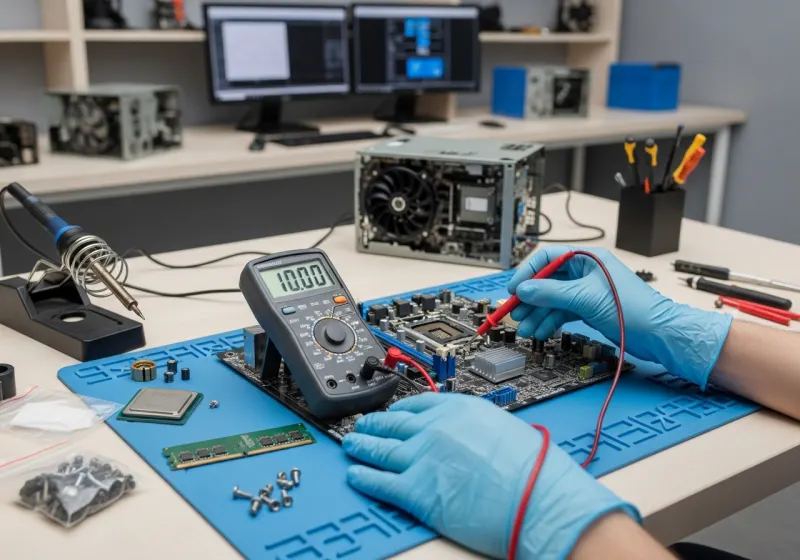
A desktop that restarts unexpectedly is frustrating, especially when work is lost. The same symptom can come from several causes, so buying a replacement component at random is a poor starting point. Begin by protecting your files and recording when the fault happens.
Record the pattern before changing things
Does the restart happen during a game, a video call, startup or even when idle? Is there a blue-screen message or does the power disappear instantly? Photograph any error and note recent software updates or hardware changes. These details help a technician reproduce the fault.
Back up important files if the computer is stable enough to do so. If a drive clicks, files vanish or the system repeatedly fails during disk access, avoid repeated restart attempts and ask for data-preservation advice. Stop using a machine that smells burnt or shows signs of electrical damage.
Try the low-risk checks
Check external power connections and remove non-essential USB accessories. Make sure the case has clear ventilation and is not pushed tightly into a cupboard. Do not open a power supply: dangerous voltages can remain inside even after it is unplugged.
If the problem began immediately after installing an application or accessory, record that connection. Do not download anonymous “repair” utilities or change several drivers at once. Make reversible, documented changes only when you understand them; otherwise leave the evidence intact for diagnosis.
Why parts need testing
Memory faults, overheating, unstable power, storage problems and driver issues can overlap. A single temperature reading or error code is not proof that one component must be replaced. Testing under suitable conditions is more useful than swapping parts because an online discussion mentions the same symptom.
When repair is the sensible next step
If crashes recur, disrupt important work or prevent a safe backup, arrange an assessment. Bring the error photograph and explain what changed before the problem started. Tell us whether preserving data is the priority before agreeing to software work.
Our Nottingham PC repair service starts with diagnosis and a fixed quote before chargeable repairs. If the existing computer is no longer economical to repair, compare that quote with a refurbished desktop replacement, including migration costs rather than price alone.
Quick answers
Does a random restart always mean the power supply has failed?
No. Software, memory, temperatures, storage and power faults can cause similar symptoms. Testing is needed before replacing parts.
Should I reinstall Windows immediately?
Not before safeguarding your data and considering hardware symptoms. Reinstalling can remove useful evidence and does not repair a failing component.