If a PC’s lights and fans come on but the screen stays black, it is tempting to blame the graphics card. Sometimes the cause is much simpler; sometimes the computer has not completed startup at all. Check the external setup first and avoid repeated internal changes without a diagnosis.
Check the monitor and selected input
Confirm that the monitor has power and its menu can be displayed. Select the input matching the connected cable, such as HDMI or DisplayPort. Check both cable ends without forcing a connector. If available, test a known-working cable or display and note whether the monitor says “no signal” or goes black after showing a logo.
Adapters complicate testing. Not every adapter works in both directions, and some require power. If the problem appeared after changing a screen, cable or adapter, tell us exactly which part changed.
Check where the cable connects
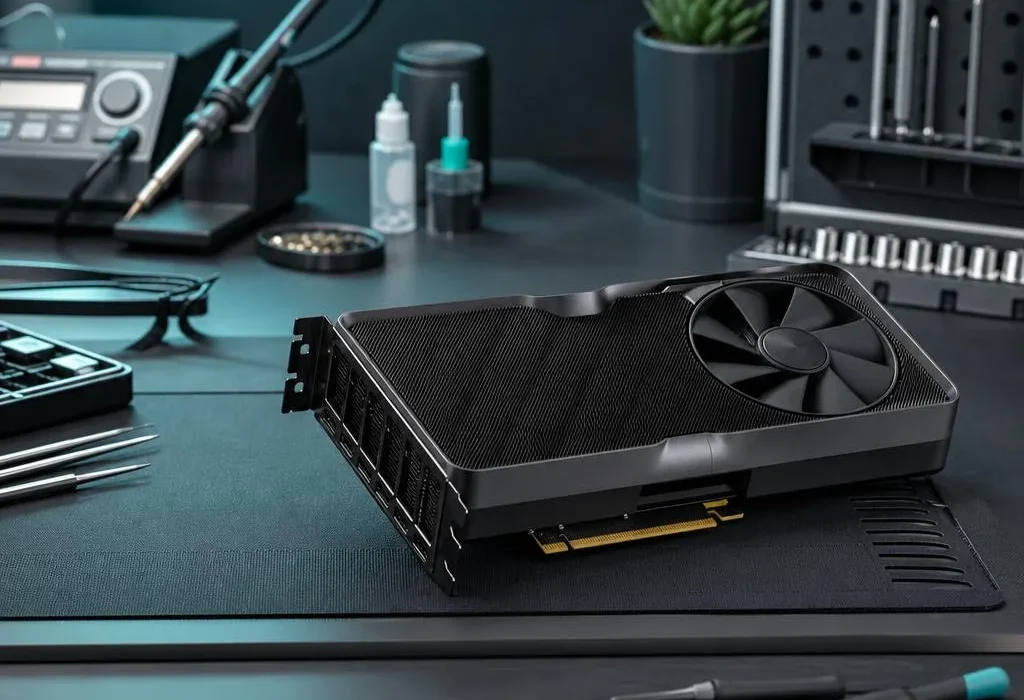
A desktop with a dedicated graphics card usually uses the card’s display sockets, not the motherboard sockets higher on the case. Motherboard video works only when the processor and configuration support it. Moving a cable to an unsupported socket can produce no picture even though nothing is broken.
Disconnect unnecessary external accessories and record any beeps or diagnostic lights. Fans spinning is not proof of a successful startup. Photograph warning indicators and check the manufacturer’s description if available; different models use different codes.
Do not turn a display check into a risky repair
Switch the machine off and disconnect mains power before handling connections that require it. Do not open the power supply or work inside a powered computer. If you are unsure about reseating memory or graphics hardware, leave it for a technician: damaged sockets or an unnoticed cable can add another fault.
Stop if there is burning smell, liquid damage or unusual electrical noise. Do not reset or reinstall the operating system simply because the display is black. That can put data at risk without addressing a hardware startup fault.
Bring the useful evidence
Tell us whether a manufacturer logo ever appears, what the monitor reports and whether the PC was moved or upgraded recently. Include the cable or adapter if its role is uncertain. Our PC repair service can test the cause before quoting for parts. For a gaming system, see gaming-PC repairs and upgrades.
Quick answers
Do spinning fans prove the PC has started correctly?
No. Fans can run while the computer fails its startup checks. A display fault and a startup fault can look similar.
Should the monitor connect to the graphics card or motherboard?
It depends on the hardware. With a dedicated graphics card, its output is usually required; motherboard video needs a processor and setup that support it.