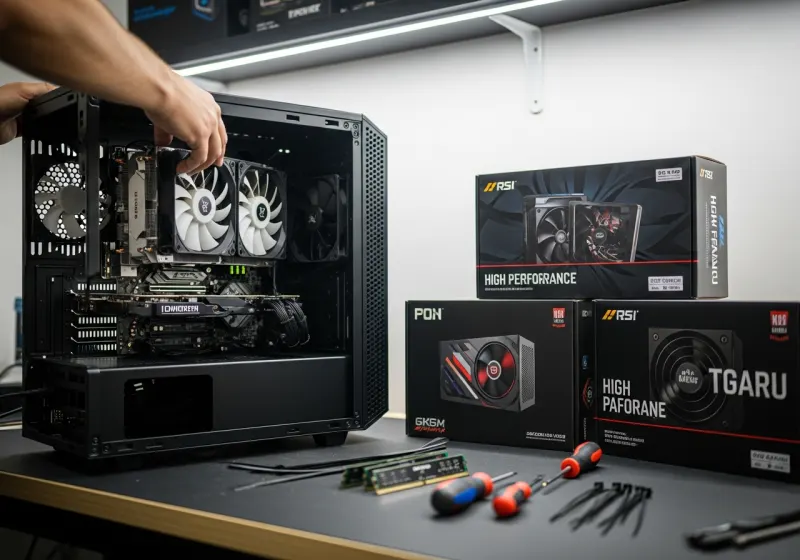
“It runs Fortnite and Minecraft” sounds useful, but it leaves important questions unanswered. A modest refurbished gaming PC may suit one player and disappoint another using a different screen, shader pack or settings. Describe how you play before deciding which machine to buy.
For Fortnite, discuss resolution and settings
Ask whether you want competitive lower settings or richer visual effects. Those are different workloads. The processor and graphics card must be assessed together; an older high-end name is not automatically better than a newer model. Compare current requirements, and ask whether any available test results use settings similar to yours.
A 144Hz monitor does not guarantee the computer will produce 144 frames per second. Network delay can also affect the experience without being a graphics fault. Separate the desired display refresh rate, graphics performance and internet connection in your enquiry.
For Minecraft, specify the edition and extras
Java and Bedrock editions differ, and mods or shaders can change the hardware needed. Mention the mod pack, multiplayer use and intended view distance. A specification suitable for ordinary play should not be assumed suitable for complex shader effects or hosting a busy world.
More allocated memory is not always the answer to stuttering. Processor limitations, graphics demands, storage activity and software configuration can contribute. Avoid copying settings guides intended for a different machine without checking what they change.
Keep the first purchase complete
Check RAM, storage capacity, the exact GPU, operating-system support and activation. Confirm that the PC can connect to your monitor and internet. Wi-Fi is not built into every desktop, and peripherals are included only when the listing says so. Keep part of the budget for anything else needed.
Send a useful enquiry
Include the product reference, budget, game edition, mods, monitor resolution and your preferred settings. That gives us a better basis for comparing current gaming-PC stock than asking for “the best gaming computer”. We will distinguish recorded suitability from an unverified performance promise.
If you already own a PC that has started struggling, a fault assessment or compatible upgrade may be more sensible than replacement. Note whether the problem began after a game update, hardware change or new software.
Quick answers
Will a Minecraft-ready PC run every mod pack?
No. Large packs, shaders and view-distance settings can substantially increase memory, processor and graphics requirements.
Can you guarantee one frame rate for a game?
Not from a generic specification. Updates, settings, resolution, background software and the scene being played change performance.