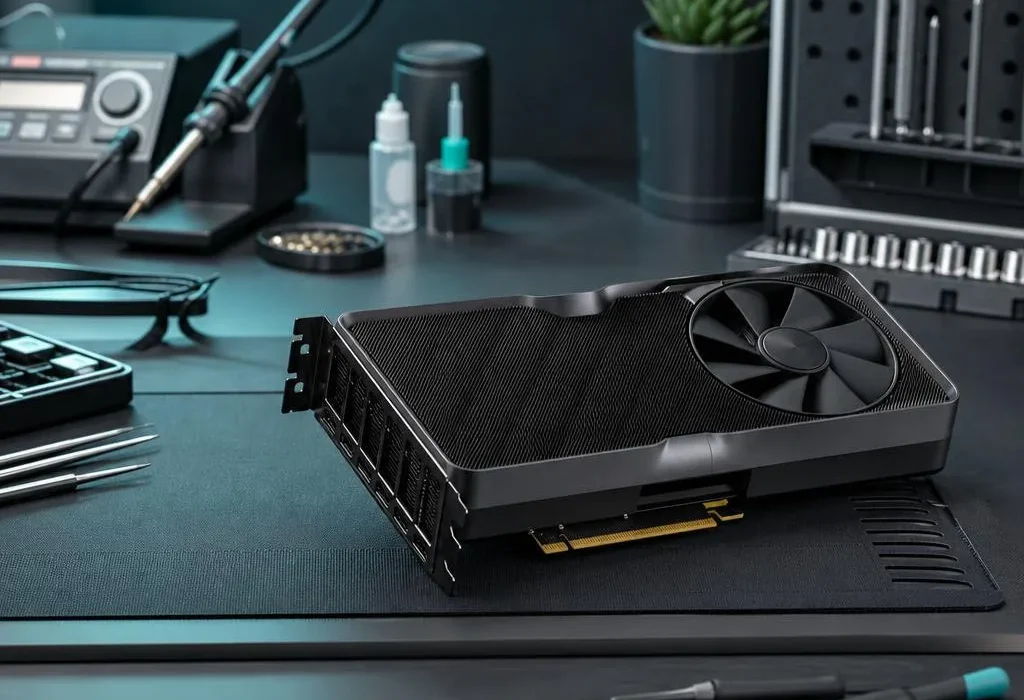
A graphics card is not automatically beyond repair because it crashes, shows artefacts or stops producing a picture. Those symptoms can come from cooling, power, drivers, cabling or the rest of the PC as well as the GPU itself. At our Nottingham workshop we work with NVIDIA RTX-series systems for diagnosis, thermal servicing, fitting and upgrades, and we test the whole machine before recommending a card replacement.
Signs that point towards a graphics-card problem
- Coloured blocks, lines, flashing textures or corrupted shapes on screen.
- A black screen when the monitor is connected to the graphics card.
- Games closing, freezing or restarting the PC under load.
- GPU fans grinding, not turning or running at full speed.
- Temperatures climbing rapidly followed by lower frame rates.
- The driver repeatedly stopping or disappearing from Windows.
These are clues, not a diagnosis. For example, a black screen can be a monitor cable, memory, power supply or motherboard problem. A game crash can be a driver or unstable RAM. Testing prevents an expensive graphics card being replaced when it was not the cause.
RTX faults that may be repairable without replacing the card
Overheating. Dust, restricted airflow, a failing fan or poor contact between the cooler and GPU can cause throttling and crashes. Cleaning, cooling repair or thermal servicing may restore normal temperatures where the electronic components remain healthy.
Fan faults. A noisy or stopped fan can sometimes be replaced without replacing the complete card. We first check that the fault is the fan itself rather than its control, wiring or physical obstruction.
Power and connection problems. RTX cards can require substantial, stable power. Loose PCIe connectors, unsuitable adapters, inadequate power-supply capacity or a card not fully seated in its slot can all look like GPU failure.
Driver and configuration problems. Corrupted drivers, unstable overclocks and aggressive tuning settings can create crashes or artefacts. Testing at standard settings with a clean driver installation helps separate software instability from hardware failure.
When replacement may be more sensible
Genuine failure of the graphics processor or video memory can be technically difficult and poor value to repair. We do not advertise temporary “oven” fixes or promise that every failed GPU can be restored. If testing points to a core or memory fault, we explain the finding and compare the cost of a suitable tested replacement with the value and age of the existing card.
A replacement also has to suit the rest of the system. Before fitting an RTX upgrade we check the case dimensions, cooling, power-supply wattage and connectors, motherboard slot and likely CPU limitations. The fastest card on paper is not good value if the PC cannot power, cool or use it properly.
What we test on an RTX gaming PC
Our checks are guided by the reported symptom. They can include display outputs and cables, temperatures at idle and under load, fan operation, drivers, power connections, power-supply capacity, memory stability and repeatable game or benchmark load. We compare behaviour at standard settings before deciding whether the graphics card itself is responsible.
Stop using the PC if you notice these warnings
Switch the system off if there is a burning smell, smoke, a melted power connector or severe electrical noise. Do not repeatedly restart a system with visible connector heat damage. If the only problem is a driver crash or occasional artefacting, avoid overclocking and record what happens before bringing the machine in; the exact game, temperature and error message can help diagnosis.
Graphics-card repair in Nottingham
Bring the complete PC where possible, not only the card. A GPU can appear faulty because of another component, and testing it in the original system gives us the best evidence. Our gaming PC and graphics-card service starts with a free diagnosis and fixed quote. Repair work completed by us carries a 90-day parts and labour warranty.
Quick answers
Can an RTX graphics card be repaired?
Some faults can be repaired or resolved, including cooling, fan, power-connection, driver and system-compatibility problems. Genuine graphics-core or video-memory failure may make a tested replacement more economical. Diagnosis is needed before deciding.
Does artifacting always mean the GPU is dead?
No. Coloured blocks, lines or flickering can come from overheating, unstable settings, drivers, video memory or the card itself. We test at default settings and under load to separate those causes.
Why does my graphics card crash only in games?
Games increase power draw and temperature. Crashes under load may involve the GPU, power supply, PCIe power cable, cooling, driver or system memory rather than one obvious failed part.
Can you fit and test an RTX upgrade?
Yes. We check case clearance, power-supply capacity, connectors, cooling and CPU balance, then fit the card, install the correct driver and test the system under load.
Do you offer a warranty on graphics-card work?
Repair work completed by us carries a 90-day parts and labour warranty. Any replacement-card warranty is also explained on the quote before you approve it.