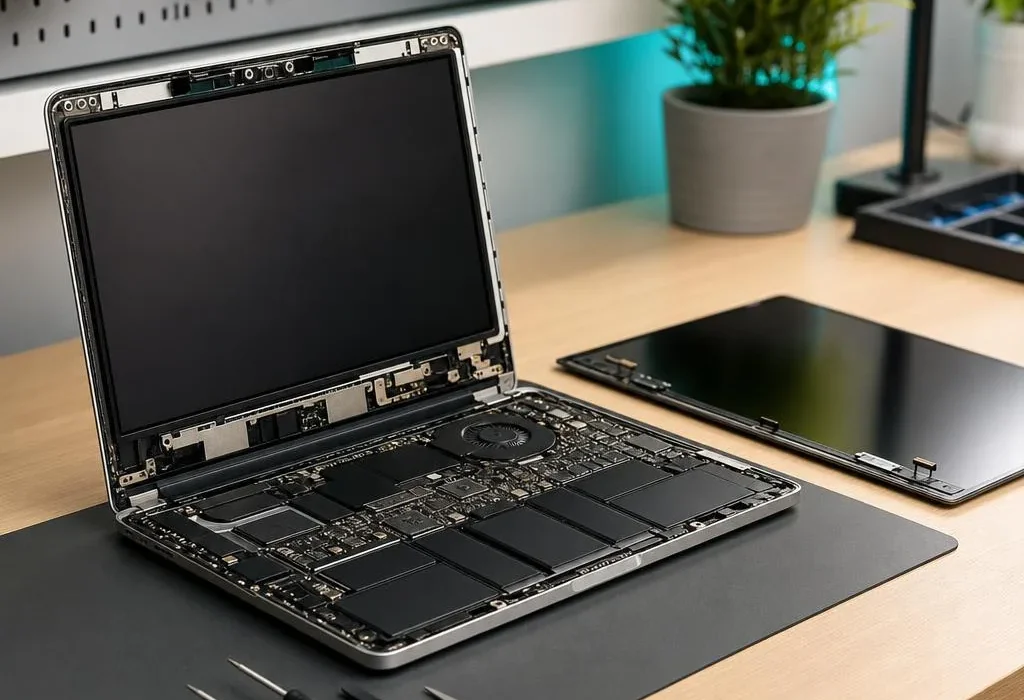
AI-assisted TechRepairHub guide. Confirm the specification of the individual item and the scope of any proposed work with our Nottingham team.
A stiff or broken laptop hinge can be more than a cosmetic problem. The hinge may be attached to mounting points in the lid or base, while the display cable often passes close to it. Forcing the lid open and closed can make the damage worse. Bring the exact model to our Nottingham repair workshop for an assessment rather than ordering a hinge based only on a photograph.
Warning signs
Look for a corner lifting away from the case, cracking sounds, a hinge that moves unevenly or a lid that no longer stays in place. If the screen flickers as you move the lid, the display cable or a connector may also need checking. A broken bezel does not prove that the LCD panel itself is damaged; equally, an intact screen surface does not rule out hidden damage.
What to do immediately
Stop repeatedly opening and closing a stiff lid. If you can safely use the computer in one position, back up important data. Do not use glue around the hinge, tape over cooling vents or push a protruding metal part back into place. If the screen is cracked, avoid touching exposed glass and switch off the device before transporting it.
Why one repair price will not fit every laptop
Some faults involve a hinge assembly; others involve broken threaded mounts, the base, palm rest, display cover, bezel or cable. The parts required and the time to fit them vary by model. A diagnosis should also check whether the hinge seized because of another fault. We can discuss parts availability, expected work and a fixed quote before you authorise a repair.
Repair or choose a replacement?
Compare the quote with the machine’s overall condition and a suitable refurbished laptop, not simply the cheapest computer you can find. Consider battery condition and operating-system support as well as the hinge. If the repair is not worthwhile, agree how to retrieve your files and what happens to the old computer. Any data destruction or recycling service is a separate decision; do not assume handing in a machine authorises erasure.
Send a photograph of the damage, the model and any screen symptoms through our repair enquiry, without posting passwords or personal documents. Our standard repair warranty is 3 months parts and labour; ask for a separately priced optional extension to 12 months.