AI-assisted TechRepairHub guide. Confirm the specification of the individual item and the scope of any proposed work with our Nottingham team.
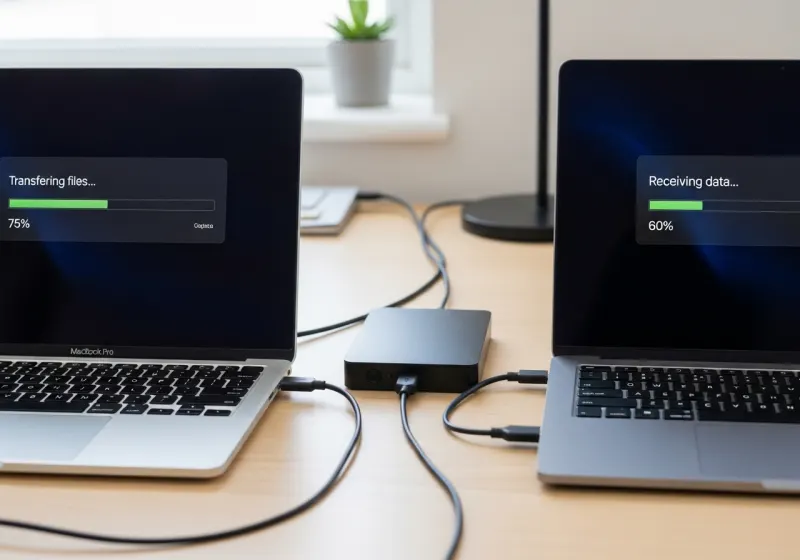
A replacement computer is useful only when you can access the documents, accounts and applications you need. Moving files is not the same as transferring every installed program or setting. Before choosing a refurbished laptop or desktop, make an inventory of what must move and ask us to scope any setup or migration work separately.
Start with a backup and a list
List documents, photographs, desktop folders, downloads, browser data and locally stored email. Identify shared folders, external drives and specialist application data too. Agree where a usable backup will be kept before anyone resets, wipes or recycles the old computer. If the drive is failing, stop repeated copying attempts and seek assessment; normal migration and data recovery are different jobs.
Check email and cloud accounts
Cloud email may resynchronise after sign-in, but local archives, POP mail, signatures and address books can require separate attention. Check the account type and available storage rather than assuming everything is online. Confirm access to two-factor authentication and recovery methods before the old computer is disconnected.
Software usually needs its own installation
Copying a program folder normally does not recreate a working, licensed installation. Record application names and versions, installer availability, subscriptions and licence-transfer rules. Microsoft Office and Windows are separate licences. Specialist business software may need the supplier’s assistance or an administrator; include that requirement in the scope and quote.
Encryption and sensitive information
An encrypted drive may require a BitLocker recovery key. Keep that key private and agree a suitable handover method; do not paste it into a public form or ordinary enquiry message. Agree the access required for any migration and keep a backup. Commercial IT Recycling Ltd’s ISO/IEC 27001:2022 certificate is for IT recycling and data destruction, not for this migration work.
Check the result before retiring the old device
Open important files, test email, verify application access and check printing on the new machine. Keep the old device and backup until the agreed checks are complete. Only then authorise erasure or arrange data destruction where appropriate. Contact our Nottingham team with both computer models and the work required; migration, software, accessories and delivery should not be assumed included in a computer’s listing price.