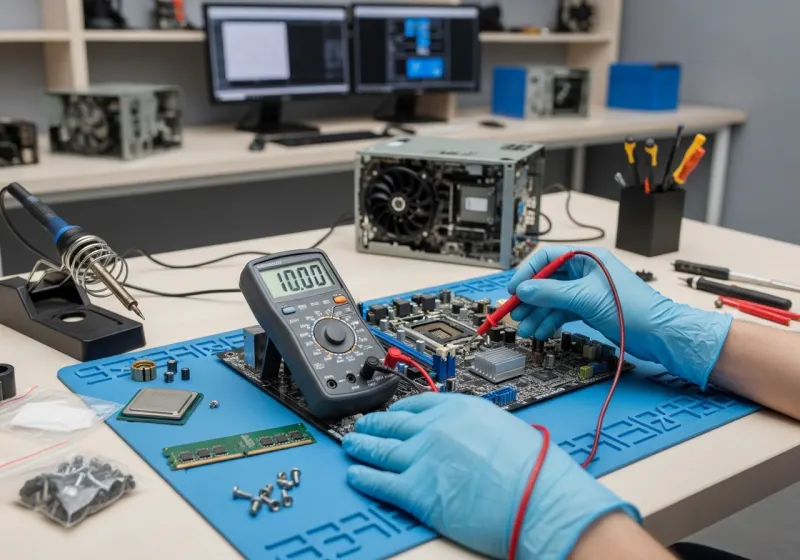
What a PC that won't power on is usually telling you
A dead desktop feels final, but it rarely is — and the symptoms narrow it down before the case is even open.
Completely dead — no lights, no fans: almost always power. It might be as simple as the wall socket, the kettle lead or the switch on the back of the power supply; if those check out, the power supply itself is the usual suspect, and it's one of the cheapest parts in the machine to replace.
Fans spin but nothing on screen: the PC has power but isn't completing its startup checks. Loose RAM after a house move, a failing graphics card or a motherboard fault are the common causes — this one is worth a free diagnosis rather than guesswork, because the fix ranges from reseating a part to replacing one.
Starts, then shuts off after a few seconds: usually a protection circuit doing its job — overheating from a failed fan or dried thermal paste, or a power supply that can no longer hold its output under load.
Powers on, but Windows never appears: typically the storage drive or a corrupted Windows installation. Where the drive itself is healthy, we can transfer your files to a replacement drive before any repair work starts.
Whatever the symptom, don't keep switching it on and off hoping — repeated power cycling only makes a drive fault worse. Bring it in and we'll diagnose it free.