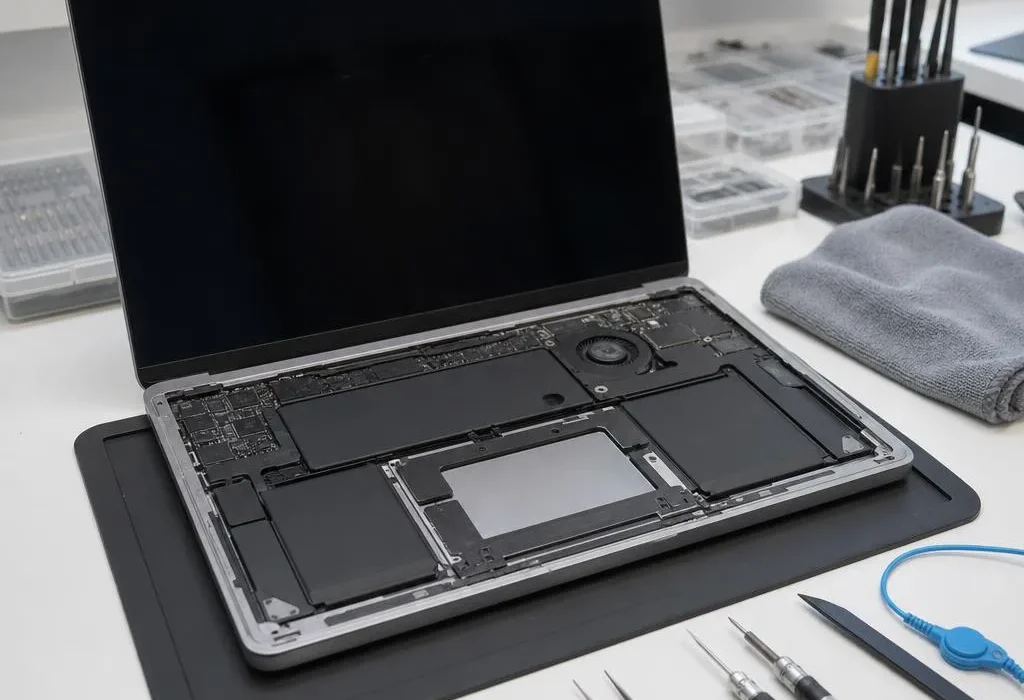
The confirmed facts: a customer brought us a recent-model MacBook after water was spilled on it and the touchpad stopped working. We repaired the fault and restored touchpad operation. Customer identity, exact model, price and internal repair details are deliberately omitted because they were not supplied for publication.
The reported problem
The MacBook’s touchpad had stopped responding after the water spill. Liquid-related faults do not always appear as a completely dead laptop; one input device, port or section of the machine may fail while other functions still appear normal.
Why liquid damage needs individual diagnosis
Water and other drinks can travel beyond the point where they land. On a modern laptop, the touchpad, keyboard, battery, connectors and logic board sit close together. The symptom tells us where to start, but it does not prove that only one part was affected.
That is why we do not publish a fixed “water damage repair” outcome. The correct response depends on the exact model, the liquid, how much entered, whether power remained connected and what the internal inspection shows.
The result in this case
The repair was completed and touchpad operation was restored. We are using that limited outcome as genuine evidence that a liquid-related touchpad fault can sometimes be repaired—not as a promise that every water-damaged MacBook will have the same result.
What owners should do after a spill
- Switch the laptop off rather than continuing to test the keyboard or touchpad.
- Disconnect the charger and other accessories.
- Do not apply direct heat, spray cleaner inside or place the laptop in rice.
- Do not reconnect power merely to see whether it has dried.
- Arrange an internal assessment as soon as practical.
Liquid corrosion can continue after the surface looks dry, and repeated power-on attempts can worsen electrical damage.
MacBook and laptop liquid-damage assessment
Our Nottingham laptop and MacBook repair service assesses liquid-related keyboard, touchpad, charging and power faults on compatible models. You receive a fixed quote before repair work starts, and repair work completed by us carries a 90-day parts and labour warranty.
Quick answers
What should I do immediately after spilling water on a MacBook?
Switch it off, disconnect power and accessories, and do not keep testing it. Do not use rice or direct heat. Arrange an internal inspection as soon as practical.
Can a touchpad be repaired after liquid damage?
Sometimes. In this genuine case the touchpad function was restored, but the outcome depends on where liquid travelled and whether corrosion or damage affected other components.
Does this case mean every water-damaged MacBook can be fixed?
No. This is one anonymised repair outcome, not a promise that every liquid-damaged machine can be repaired. Each one needs its own inspection and quote.