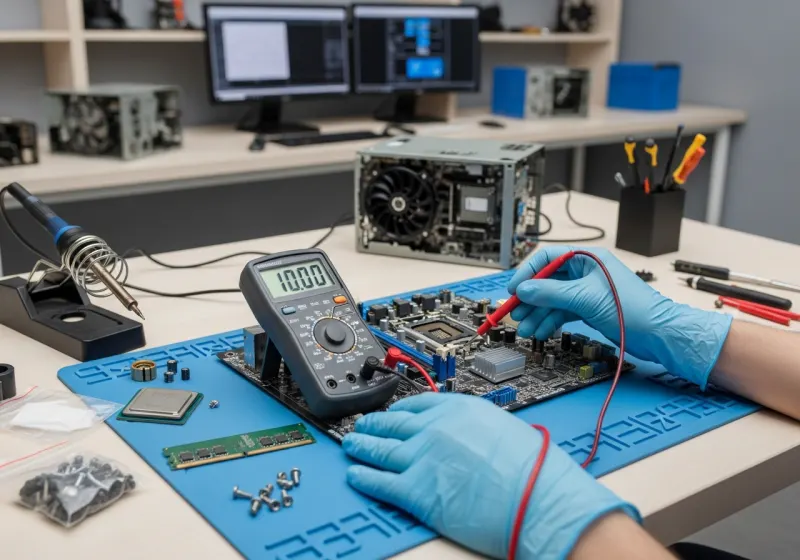
AI-assisted TechRepairHub guide. Confirm the specification of the individual item and the scope of any proposed work with our Nottingham team.
An SSD or memory upgrade can be worthwhile on a suitable Dell OptiPlex, but “fits an OptiPlex” is not enough information to buy a part. Model generation, case size and the existing configuration all matter. Before replacing the whole computer, ask our Nottingham PC repair team to establish whether the limitation is storage, memory, software or faulty hardware.
Start with the actual bottleneck
Note whether the computer is slow starting, pauses with many applications open or struggles only in a particular program. Low free storage, background work and a failing drive can produce similar symptoms. If a drive clicks, disappears or holds important unbacked-up files, stop repeated experiments and agree the data priority first. An upgrade is not a substitute for diagnosis.
Memory: type, capacity and free slots
Check the full model and the manufacturer’s service manual for supported memory type, module format, slot count and maximum capacity. A Micro may use different modules from a tower. Do not assume a kit from another OptiPlex generation will work. Ask what is already fitted: reaching a desired capacity may require replacing existing modules rather than simply adding one.
Storage: connector shape is not the whole answer
Identify the installed drive, available connections and supported storage protocols. An M.2 slot does not mean every M.2 drive is supported; length, SATA or NVMe support and mounting hardware need checking. A 2.5-inch drive may need a caddy and cables. Ask whether the quote includes parts, installation and any agreed file migration or operating-system work.
Back up readable data before authorised changes where it is safe to do so. Cloning is not guaranteed from a damaged drive and does not fix a corrupt installation. Encrypted storage may require an authorised recovery-key handover; never put the key or passwords into an enquiry form.
Graphics: check power and physical clearance
A spare expansion slot does not guarantee a gaming card will fit or run safely. Check card height, length and thickness, power-supply capacity, power connectors, firmware compatibility and cooling. Compact business desktops can use proprietary power supplies and have limited upgrade options. Avoid buying an adapter or card on the assumption that all towers are alike.
Compare the total cost with a replacement
Include labour, necessary accessories and software setup in the comparison. An upgraded older computer may still have operating-system support or application limitations. Our Dell OptiPlex buying checklist helps compare a different machine, and the current desktop selection shows live options. Send the full model, case size, current RAM and drive details for a compatibility check and item-specific quote.