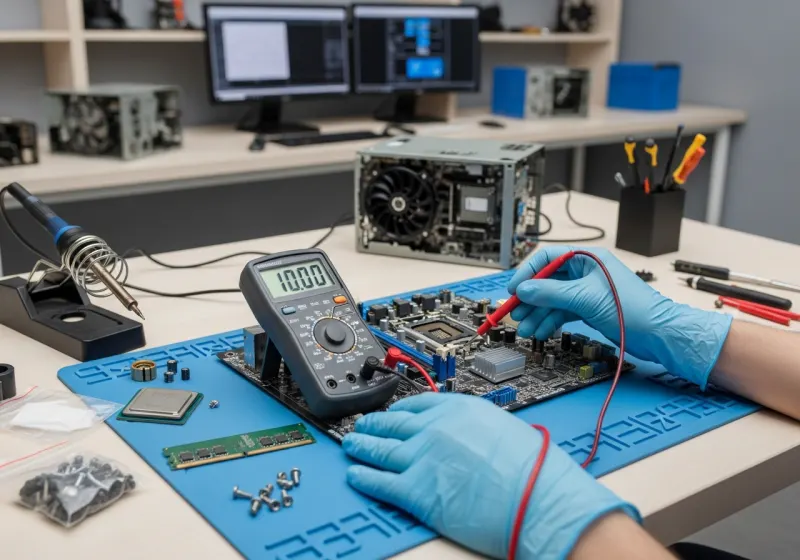
AI-assisted TechRepairHub guide. Confirm the specification of the individual item and the scope of any proposed work with our Nottingham team.
A refurbished Dell OptiPlex can be a practical home or office computer, but the name on the front is only the starting point. The same model family may be sold in different case sizes, with different processors, memory and storage. Start with the job you need it to do, then compare the exact machine in the refurbished desktop range.
Write down the complete specification
Ask for the full processor model rather than just “Core i5” or “Core i7”. A newer generation can matter more than the tier name. Record installed RAM, SSD capacity, Windows edition, wireless connectivity and the product reference. Check the current listing and ask us to resolve missing or conflicting details before purchase.
For documents, email and web applications, compare the computer against those applications’ current requirements. If you use CAD, video editing or specialist business software, provide its name and version. A business desktop badge is not a performance guarantee for demanding software.
Choose the case around your desk and future plans
Micro, small-form-factor and tower designs have different space, power and expansion limits. A Micro can save desk space but may need a particular external power adapter. A small-form-factor system can have low-profile card restrictions. A tower offers more room, but does not automatically have the power supply or connectors needed for a gaming graphics card. Check the exact model’s service documentation before budgeting for an upgrade.
Match your monitors and network
List the inputs on your monitors and check the computer’s actual outputs. Do not assume an HDMI socket, Wi-Fi or Bluetooth is fitted. Two physical display connectors do not by themselves establish every supported resolution or refresh rate. Ask which cables or adapters are required and whether they are included.
Ask about condition, software and cover
Review real photographs of the unit and ask about marks, missing feet and any included keyboard, mouse or power cable. Confirm Windows support and activation for the exact configuration. Software being installed does not establish the licence rights for every application. Products include 3 months parts and labour warranty as standard; an optional paid extension to 12 months is quoted for the item. Earlier agreed cover and statutory rights remain unaffected.
Our existing OptiPlex 5080 guide and OptiPlex 5070 guide explain two listed configurations. They are examples, not promises of continuing availability. Send the product reference and your requirements so we can confirm the actual specification, current stock and any separately quoted upgrades.