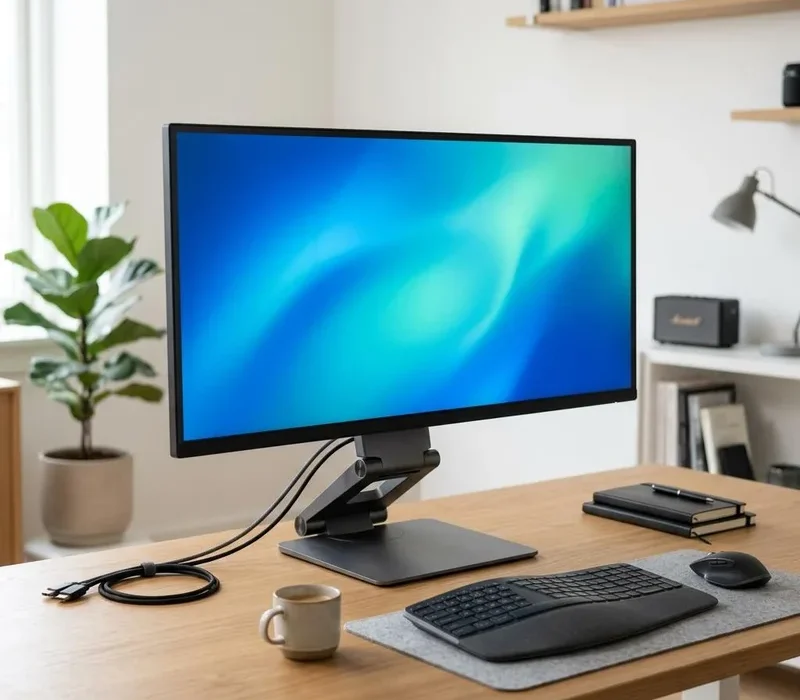
A useful monitor makes everyday work more comfortable, but a bigger screen is not automatically the best choice. TechRepairHub sells monitors alongside computers. Browse our monitor section or ask about current availability; stock and condition vary by item.
Start with your desk and everyday tasks
Measure the space available and consider how far away you sit. A larger screen may help with documents, spreadsheets or two windows side by side. Resolution also matters: a larger panel showing the same number of pixels does not necessarily give sharper text or more useful working space.
For gaming, consider the games, graphics card, resolution and refresh rate together. A monitor’s maximum refresh rate is not a promise that your PC can produce that many frames per second. Read our first gaming PC guide before paying for features your computer may not use.
Check both ends of the connection
Compare the monitor’s inputs with your computer’s actual video outputs. HDMI and DisplayPort are common; older equipment may have VGA or DVI. A USB-C socket alone does not guarantee display support. Some adapters work only in one direction, and a laptop dock may limit the resolutions or refresh rates it supports.
Tell us the exact computer model and, where possible, send a clear photograph of its ports. Check whether the cable you need is included rather than assuming every monitor comes with one.
Look beyond the screen size
Check the stand’s height adjustment, tilt and stability. If you want a monitor arm, confirm the mounting pattern and weight limits. For a used monitor, ask about visible marks, dead pixels, the panel condition and whether the original stand or power supply is present.
Check brightness and viewing angles for your intended room, especially if you spend long periods reading text. Ask which features have actually been tested on that particular unit and whether there are any recorded limitations.
Confirm the exact purchase details
Ask about the model, condition, price, included accessories, warranty terms and delivery or collection before buying. We do not assume that a computer’s warranty applies to a monitor. You can send a monitor enquiry or discuss a complete setup with a desktop computer. Your statutory rights are unaffected.
Quick answers
Will any monitor work with my PC or laptop?
Check the video outputs on the computer and inputs on the monitor. USB-C does not always support video. Tell us the exact models before buying an adapter.
Are a stand and display cable included?
Only items confirmed for that particular listing are included. Ask about the stand, power supply and the right display cable before purchase.